

 0
 0
Yes—a motorized acoustically transparent screen can be considered in front of an existing TV, provided the complete assembly clears it and the TV does not obstruct the speakers’ sound path. Acoustic transparency does not establish light-blocking performance. For standard- or long-throw RGB projection, confirm the material, backing and mounting arrangement together before ordering.
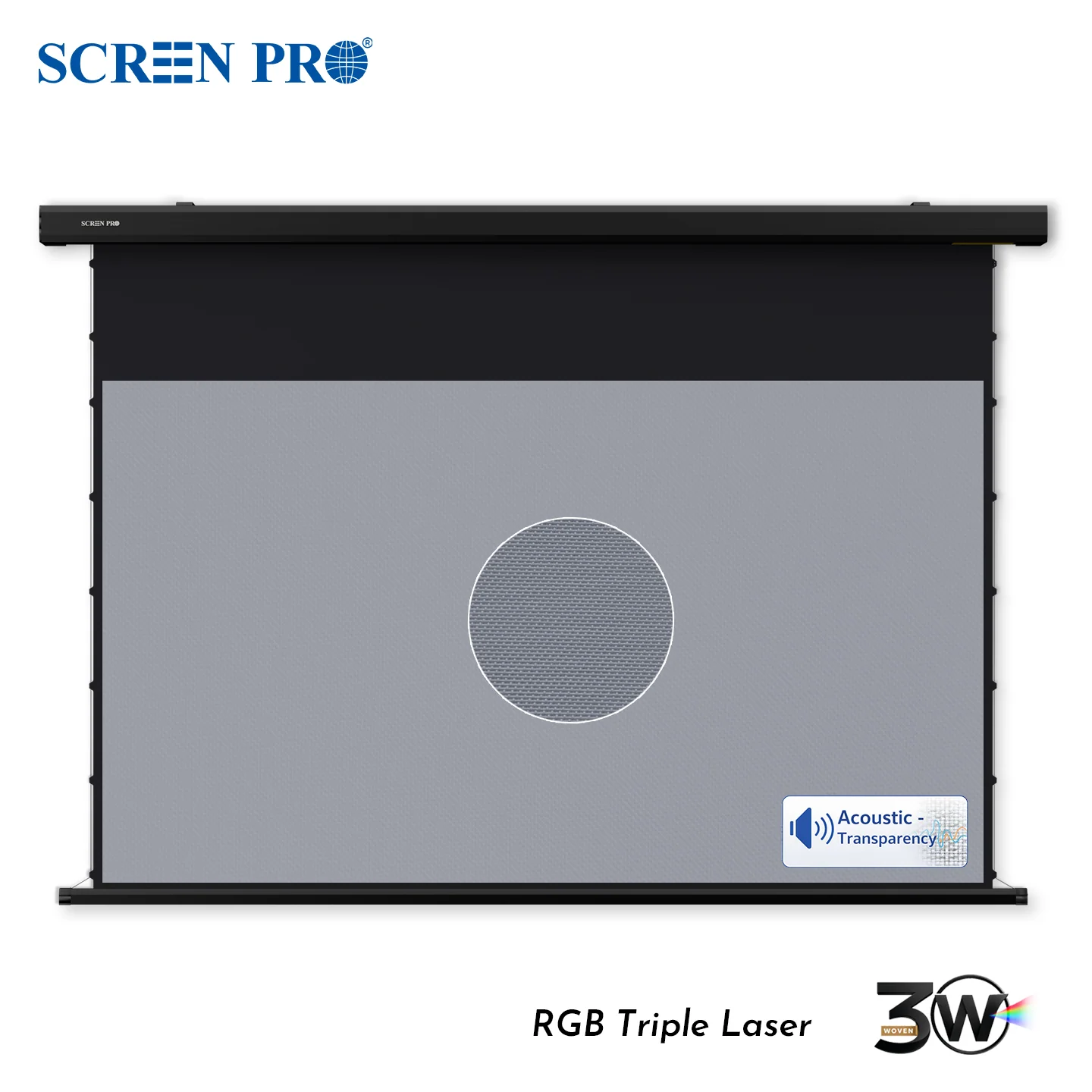
SCREEN PRO 3W motorized tab-tension screen. Product illustration; confirm backing and TV clearance for the ordered configuration.
Check whether the TV will show through
A dark TV and a lighter surrounding wall create different backgrounds behind a woven screen. Depending on the material, backing, lighting and projected image, that boundary may become visible. Do not assume that a material name establishes opacity.
With the TV off, compare a sample across the TV/wall boundary at the intended screen plane, using representative bright scenes and your normal viewing conditions. Observe from the seats you actually use. A swatch can reveal a potential background mismatch; it cannot validate full-screen uniformity, complete light blocking or the retracting mechanism.
Keep the TV out of the sound path
The important relationship is speaker to listener. If the TV sits between a speaker’s driver or grille and the listening position, an acoustically transparent fabric in front cannot remove that solid obstruction.
Mark the TV outline and the left, centre and right speaker driver or grille positions on a front-view sketch. Check their relative depths in a side view. Include the TV mount and any proposed backing, rather than checking speaker centre points alone. Review the resulting layout before treating the installation as suitable for behind-screen sound.
Confirm backing for the exact order
Ask whether backing is supplied, which material is used and how it is installed. A backing detail confirmed for a fixed frame does not automatically apply to a motorized drop-down screen.
Black colour alone does not establish acoustic transparency. Any additional layer needs its own acoustic and mechanical review, including whether it can operate without interfering with the screen. Do not improvise a black fabric layer or assume that every motorized TW or 3W configuration includes one.
Measure the complete moving assembly
Check the installation drawing against the TV’s actual mounted depth, including its bracket and protruding parts. Account for the screen housing, mounting brackets, bottom bar, tension cords and the full lowering and retracting path—not just the fabric’s resting position.
Keep ventilation and maintenance access available. A universal gap cannot confirm that every TV and screen combination will fit; use the matching drawing and a written configuration for your installation.
Choose the material and finished screen together
TW and 3W are woven acoustically transparent options; 3C is non-acoustically-transparent. TW prioritizes brightness, while 3W is intended for RGB triple-laser systems where behind-screen speakers and visible-speckle reduction are priorities. Neither promises unchanged sound or zero speckle.
In a dark or light-controlled room, the SCREEN PRO 3W motorized tab-tension screen is a finished-screen option to evaluate. Its listing does not establish that it will hide every TV or include the backing your room needs.
Before ordering, ask SCREEN PRO to review your setup. Send the projector model, target size, room photos, TV and mount dimensions, and speaker positions. Request the matching drawing and written confirmation of the supplied configuration.
https://screenproscreens.com/
SCREEN PRO


