
 0
 0
For a 150-inch home theater with a standard- or long-throw RGB triple-laser projector and left, center and right speakers behind the image, compare SCREEN PRO’s TW white woven and 3W grey woven fixed-frame screens. Start with TW when retaining brightness is the main priority. Consider 3W when a darker woven surface and visible-speckle control matter more, provided the projector delivers enough light for the intended image size. Compare both with your actual projector before treating either as the better choice.
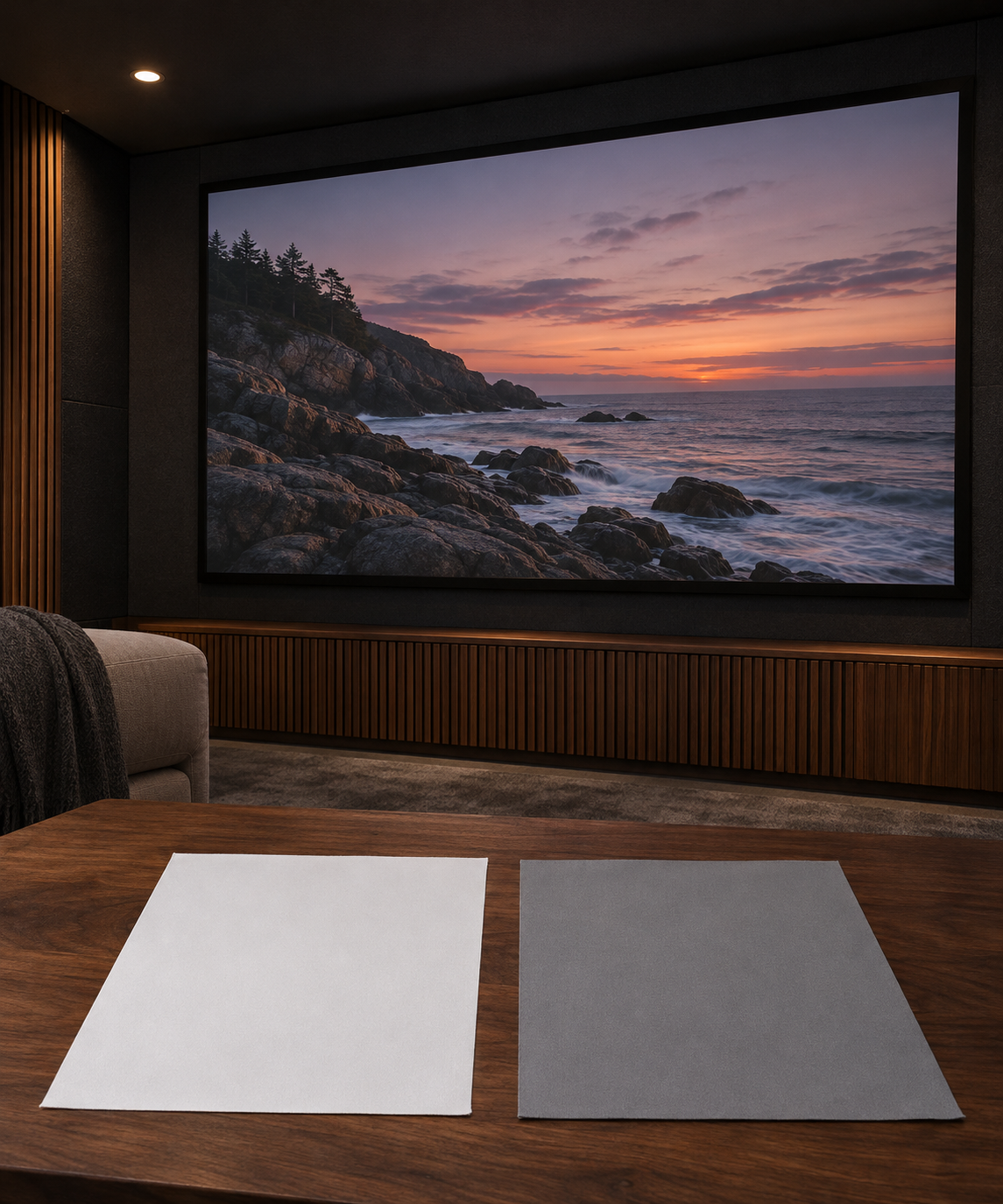
AI-generated illustration of white and grey screen samples in a home theater. It does not show actual TW or 3W materials or compare their performance.
White Woven TW: Start With Brightness
The SCREEN PRO TW fixed-frame screen is a white woven acoustically transparent option for dedicated dark or controlled-light theaters.
TW is positioned to retain more brightness than darker grey woven materials such as 3W. Its woven surface may also help reduce visible laser speckle compared with some smooth white surfaces, but it does not guarantee a speckle-free image.
For a 150-inch installation, evaluate TW when image brightness is the main concern and speakers must remain behind the picture. Check the result from your normal seating position with the projector settings you intend to use.
Grey Woven 3W: Evaluate the Darker-Surface Trade-off
The SCREEN PRO 3W fixed-frame screen combines woven acoustic transparency with a grey surface designed to help reduce visible RGB-laser speckle.
Its darker surface involves a brightness trade-off. Do not assume that a grey screen will automatically produce the better image, or that 3W will show less speckle than TW with every projector. The useful comparison is whether its appearance suits your room while preserving enough brightness for your chosen picture settings.
Neither material guarantees zero speckle. Projector design, content, viewing position and individual sensitivity can all change what you see.
Compare Samples Before Choosing the Finished Screen
Compare TW and 3W using the same projector settings, content and room lighting. View both from your normal seats, including off-center positions.
Check three things separately:
- Whether bright scenes and highlights have enough impact.
- Whether visible speckle distracts you during normal viewing.
- Whether the woven texture or any moiré pattern is noticeable at your seating distance.
Use your own viewing experience as the primary check. Photographs can document the setup, but camera settings and processing can change how brightness, texture and speckle appear.
A small sample cannot validate full-screen uniformity, installed tension or the complete acoustic result. For more background, read SCREEN PRO’s RGB laser-speckle testing guide.
Confirm Speaker Clearance and Frame Dimensions
Acoustically transparent does not mean acoustically invisible. Confirm the planned speaker positions, clearance behind the screen and any backing supplied with the exact finished configuration. Do not assume that another model’s spacing or backing arrangement applies.
For installation, distinguish the 150-inch image diagonal from the finished frame’s outer dimensions. Confirm the aspect ratio, frame width and height, mounting depth and available wall space before ordering or preparing the wall.
Send Your Setup for a Specific Recommendation
To ask SCREEN PRO to review your configuration, provide your projector model, intended throw distance, target screen size and aspect ratio, room-light conditions, seating distance, speaker layout and delivery country.
The decision should resolve two questions: which material looks better with your projector, and which finished configuration fits your room. Confirm both before placing the order.
https://screenproscreens.com/
SCREEN PRO