

 0
 0
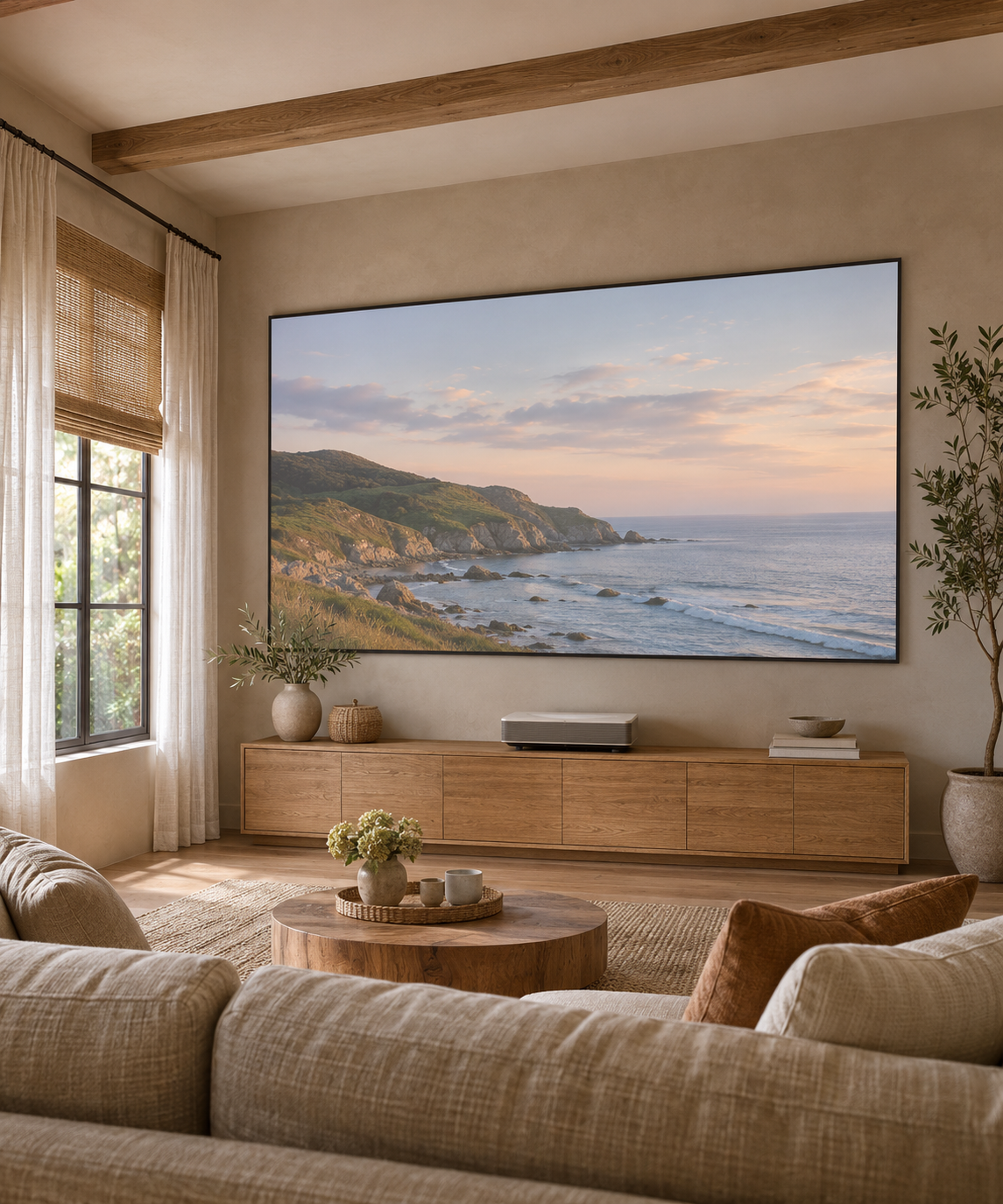
For a living room with side windows and wide seating, start with a UST-compatible ALR surface, control light hitting the screen and check the picture from the outermost regular seat. Then choose the installation structure that fits the room. An ALR label alone does not confirm side-light rejection or wide-seat uniformity.
1. Check light direction and the outer seats
Side-window light can wash out contrast, but different directional surfaces handle incoming light differently. A surface designed to reduce overhead light does not automatically reject light from every side-window position. Note where sunlight and lamps strike the screen during the hours you actually watch.
Keep direct sunlight off the screen and use curtains, shades or lamp repositioning where needed. Evaluate the proposed material from the center and both outer seating positions, looking for changes in brightness and color. Do not assume that a published viewing-angle figure guarantees the same image from every seat.
2. Match the structure to the available space
The SCREEN PRO UST ALR range uses a directional T-Prism surface intended for ultra-short-throw projectors and laser TVs. Confirm the exact projector model, screen size and required surface orientation before ordering. These products should not be substituted for screens intended for conventional long-throw or standard short-throw projection.
Choose the installation format separately:
- AZ fixed-frame UST ALR screen: for a permanent wall-mounted picture.
- AD floor-rising UST ALR screen: for a screen that retracts into a case below the image. Check the support surface, case dimensions and complete lifting clearance.
- AJ motorized UST ALR tension screen: for a retractable drop-down installation. Confirm mounting position, screen drop and projector placement.
For a recessed ceiling or another installation format, review the relevant model separately. Choosing a fixed frame rather than a floor-rising mechanism does not, by itself, establish better side-light rejection or a wider usable seating area.
3. Confirm the projector and installation geometry
Before selecting a configuration, gather:
- The exact projector brand and model, including its light source.
- The desired image size and aspect ratio.
- The available wall width and height, cabinet dimensions and planned projector position.
- The main viewing distance and positions of the outermost regular viewers.
- Photos showing side windows, lamps and any light falling directly on the screen.
- The preferred installation format and delivery country or ZIP code.
Use drawings for the exact screen configuration alongside the projector's installation requirements. Check the complete case or frame, moving parts and access, not only the visible image dimensions. Do not assume that moving a UST projector above the screen will work with a surface configured for projection from below.
4. Separate ambient-light rejection from laser speckle
Ambient-light rejection and visible laser speckle are different properties. A screen can reduce some ambient-light effects while still showing speckle with an RGB triple-laser projector. Evaluate both issues in the proposed setup. Neither the ALR label nor a different mechanical structure establishes zero speckle.
5. Confirm the correct sample before ordering
If you want to assess a sample, ask which exact UST material can be supplied and how it should be positioned for your projector. Do not assume that a general sample pack contains the intended UST ALR surface.
SCREEN PRO's ProVision A4/A3 pack contains 3C, 3W and TW material samples, not T-Prism UST ALR material. It therefore cannot validate T-Prism side-light rejection or viewing-position performance. A small swatch also cannot demonstrate full-screen uniformity, installed flatness or the operation of a retractable mechanism.
Get a recommendation for your actual room
Ask SCREEN PRO to review your UST setup. Send the projector model, room-light photos, seating layout, target size and installation preference. Confirm the material, surface orientation, dimensions and delivery terms for the proposed configuration before placing the order.
https://screenproscreens.com/
SCREEN PRO