
 1
 0
Before ordering a 160–180-inch acoustically transparent screen, confirm the finished configuration, delivered cost, installation dimensions, sample limitations and after-sales terms. Start with the room and projector, then choose the screen that fits those conditions.
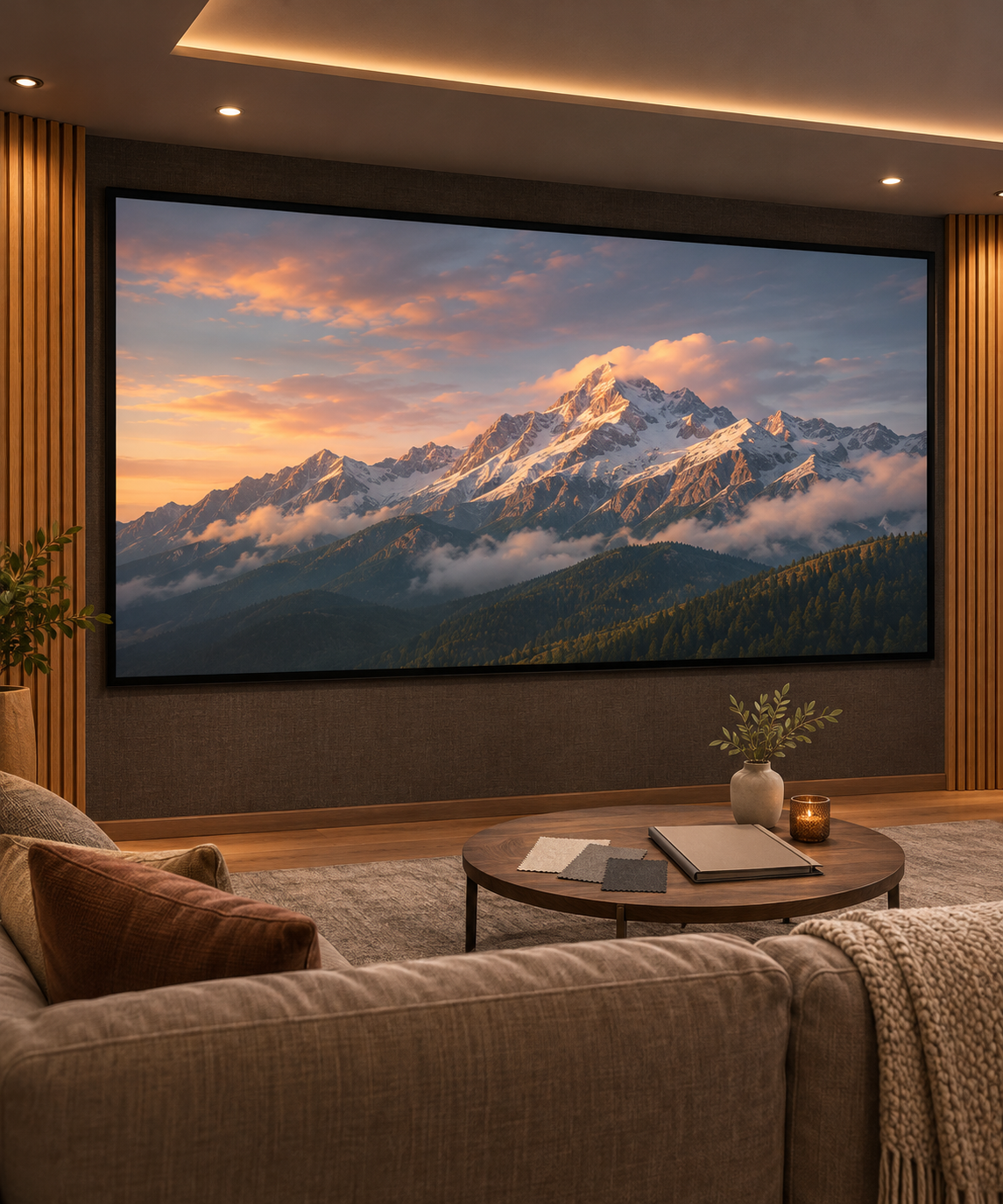
AI-generated home theater planning illustration. Not an actual product or customer installation.
1. Match the material to the projector and speakers
For a dark or light-controlled theater with speakers behind the image, compare the SCREEN PRO TW woven fixed-frame screen and the 3W woven fixed-frame screen.
TW is the white woven option to consider when retaining brightness across a large image is a priority. 3W is a dark-grey woven option for standard- and long-throw RGB laser projection where visible speckle is a concern. Compare their brightness and texture in your own setup. Neither promises zero speckle or unchanged sound.
These products are positioned for standard- and long-throw projection. Confirm a separate match for an ultra-short-throw projector. The standard 3C material included in the sample pack is not acoustically transparent.
2. Check listed sizes before requesting a custom build
A large screen is not automatically a special quotation. TW currently lists 165-, 170- and 180-inch choices; 3W also lists large fixed-frame sizes. Check the actual configuration. Request a separate review for a different aspect ratio, unlisted size or installation requirement.
3. Confirm the total delivered price
For listed TW fixed-frame screens delivered to the US, the current product page includes standard shipping, import duties and taxes. Eligible finished 3W orders also have DDP delivery terms. Special custom configurations and unusual delivery requirements need separate confirmation.
Read the current shipping terms and confirm the total for your configuration and ZIP code. Ask what delivery service includes and whether any unloading, access or special-handling charges apply. Confirm production and transit estimates separately.
4. Check the complete installation and delivery route
Request the drawing for the exact material, frame, size and aspect ratio. Check the viewing area, outer dimensions, mounting depth, speaker positions and access for installation. Review projector placement and usable brightness at the intended image size.
Ask for the dimensions and weights of the actual packed components, plus assembly and handling requirements. Measure doors, stairs and turns along the delivery route. A screen that fits the wall still needs a practical route into the room.
5. Use samples to narrow the material choice
The SCREEN PRO sample range includes the ProVision A4/A3 pack with 3C, 3W and TW material samples. Confirm the contents before ordering; the pack is not a finished screen.
Compare materials using the same projector settings, projected image size, content, room light and seating position. Look at brightness preference, visible speckle and texture separately. A small swatch cannot confirm full-screen uniformity, installed flatness or complete-system acoustic performance. Speaker placement and calibration still require separate consideration.
6. Read the warranty and returns terms before paying
The current returns and warranty policy states a three-year limited warranty for most screens. For shipping damage or manufacturing defects noticed on delivery, notify SCREEN PRO within seven days and provide the requested evidence. Non-defective returns are not accepted, and custom-order restrictions apply. Review the coverage, exclusions and claim process for your order.
Send the details needed for a screen recommendation
Ask SCREEN PRO to review your theater. Include the projector model, desired size and aspect ratio, wall dimensions, viewing distance, speaker positions and US ZIP code. Confirm the configuration and delivery terms before approving production.
https://screenproscreens.com/
SCREEN PRO